Choose the sound your car plays when it locks.
LockChimeBox holds your lock chime sounds and switches between them from a small built-in screen. To add new clips, connect your phone or computer to the box's own Wi-Fi network.
Assembled, set up and shipped to you in the US.
- falcon-door-chimeON
- retro-beepON
- soft-clickON
- spaceship-lockON
- two-tone-chirpON
How it works
-
Plug it in
It arrives assembled, with the software set up and an SD card ready to go.
-
Connect and upload
The box makes its own Wi-Fi network. Join it from your phone or computer, open the Sound Manager and add your audio files. The network is only for moving files to the box. It doesn't give you internet access.
-
Pick on the device
Scroll with UP and DWN, press SET, and that sound becomes your lock chime.
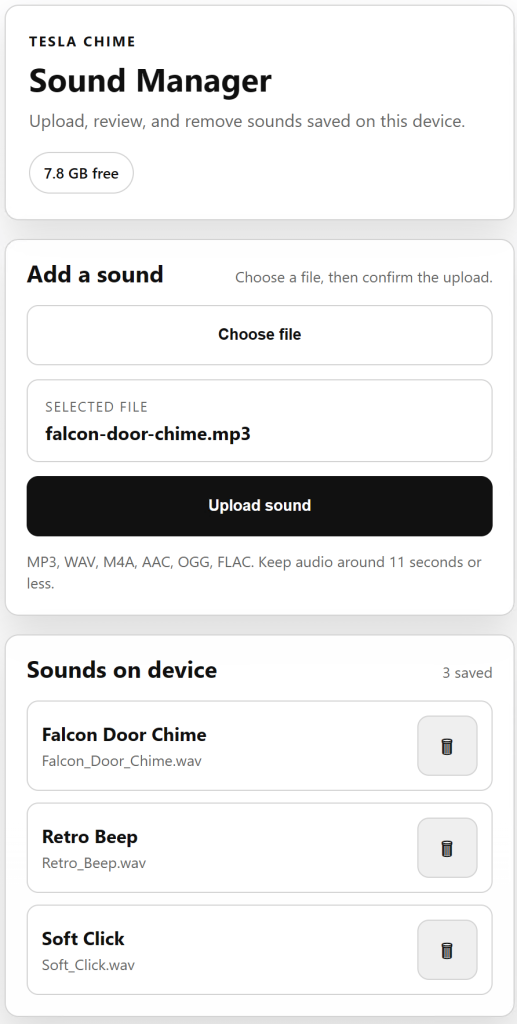
Manage your sounds from your phone
The Sound Manager lists every sound saved on the box and how much space is left. Add a clip, check its name, and delete the ones you don't use.
- MP3
- WAV
- M4A
- AAC
- OGG
- FLAC
Keep clips around 11 seconds or less.
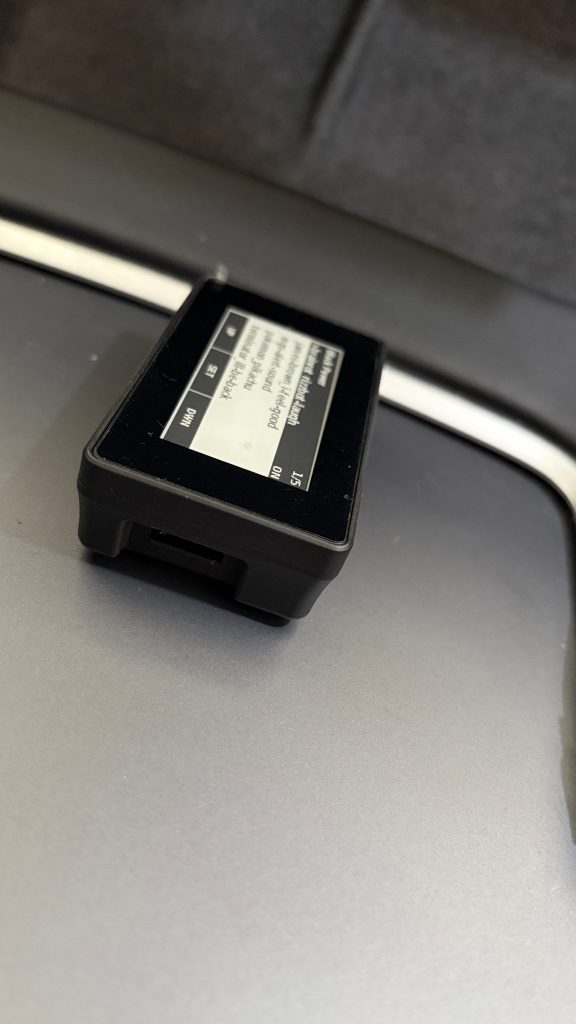
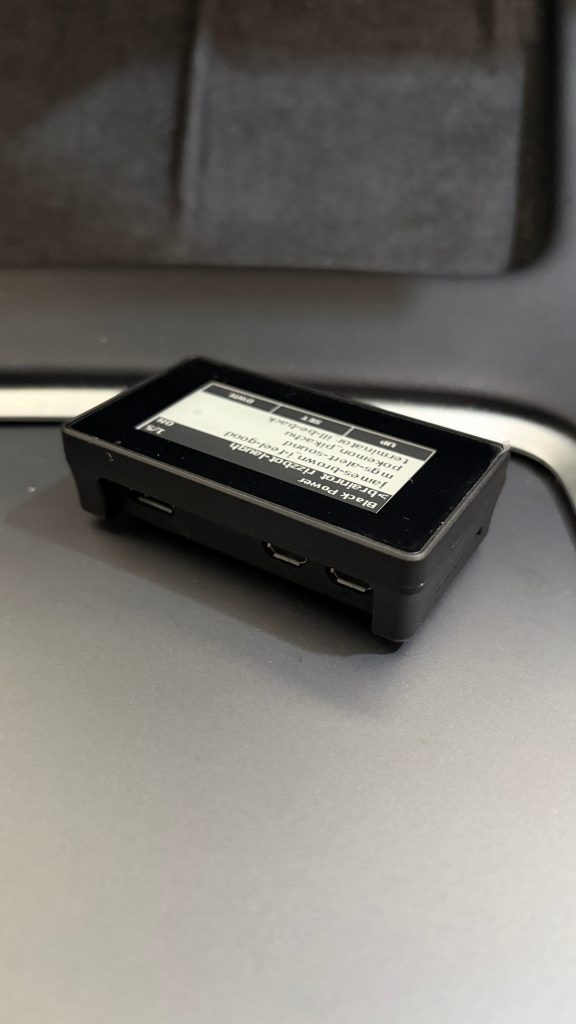
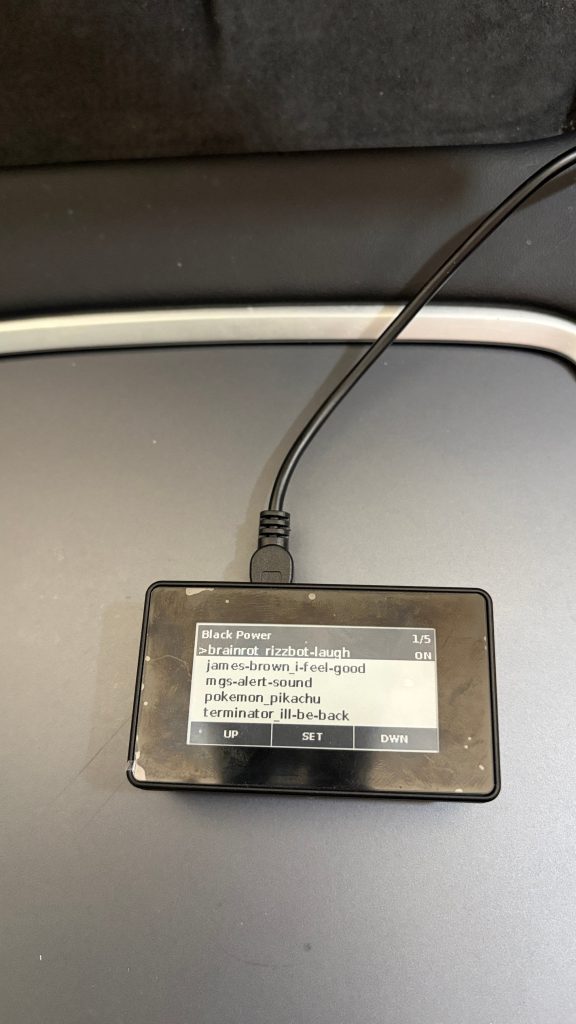
What's in the box
- Fully assembled LockChimeBox
- Pre-configured software
- Ready-to-use SD card
- Your custom banner on the screen, if you add one at checkout